Sold out
What ran out, off the menu at once
The kitchen or the counter marks a dish or an option sold out, and that location's menu stops offering it right away. It comes back on its own at the next service, or when someone switches it back on.
Sold out
Palermo: what can't be ordered today.
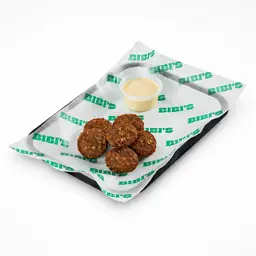 Falafel until tomorrow at 7:00 PM · marked by Martín at 9:40 PM
 Choose what sells out at Palermo.
Hamburguesas
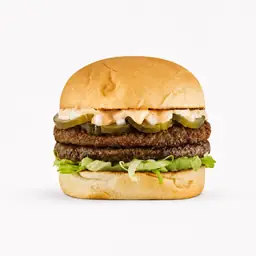 Big Bibis Smash $26,000
 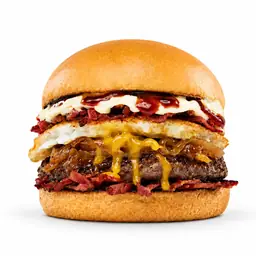 Sweet Fakecon $30,000
 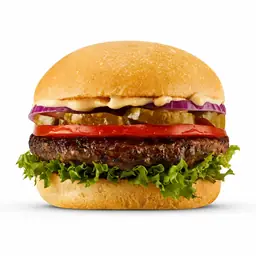 American Classic $25,000
 Para acompañar
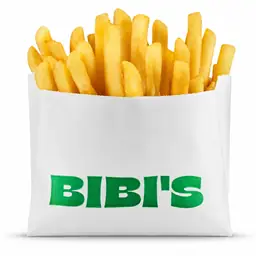 French Fries $10,000 Falafel $12,000 Sold out
Short answer
In Restoman each location keeps its own sold-out list: a dish or an option, until the next service or until someone offers it again. That location's menu shows it as sold out and won't take orders for it; other locations sharing the menu keep selling it.
Updated Oct 28, 2026
01
Why mark sold-out items in the system
When a dish runs out and nobody takes it off the menu, guests order it anyway: the server walks back to the table, the order gets redone and, if it was already paid, the money goes back. Marking it sold out stops that before it happens.
02
How it works during service
Marking something sold out is one tap on the dish's row and another to choose until when. Whoever works at the location does it: the kitchen, the counter, the servers or the manager, from the dashboard or the kitchen screen.
03
Where you notice it day to day
Sold-out items are the first thing to change on a busy night. Keeping them in the same system as the menu and the orders is what saves the back and forth between the kitchen and the floor.
And also
Frequently asked questions
It's still shown, dimmed and with until when it's sold out, but it can't be added to an order. If it was already in a cart, the cart flags it and doesn't charge for it.
Yes. An option is marked once and stops being offered on every dish that has it. If a dish is left with no required options to choose from, it can't be ordered either.
When the location's next service starts, by its opening hours. If the location has no hours set, it comes back at 6 a.m.
Whoever works at that location: the owner, admins, the manager, the counter, the kitchen and the servers. A custom role can be given that permission too.
No. Sold-out items belong to each location: what runs out at one keeps being offered at the other.