Digital menu
Your menu, on every guest's phone
Add each product once, arrange them in categories, and guests open the menu from the table's QR code or the location's link. What you change in the dashboard shows right away.

Bibi's Palermo
Scalabrini Ortiz 3114
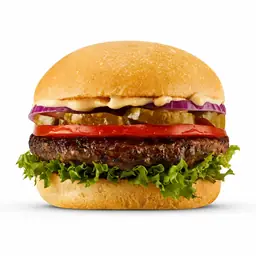
Hamburguesas

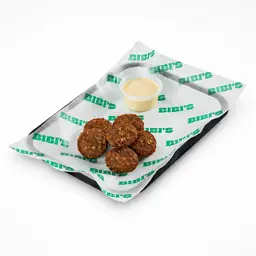
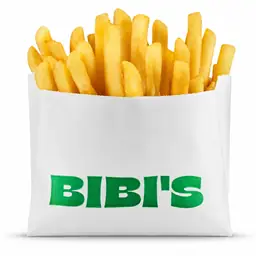
Para acompañar
Short answer
Restoman's digital menu is the one guests open on their phone, from the table's QR code or the location's link, with nothing to install. It shows your categories and products with photos, prices, options and dietary marks, in the location's colour and style, and flags what's sold out. One menu can serve several locations.
Updated Oct 28, 2026
01
Why build the menu in the system
A PDF or printed menu has to be redone every time a price changes or a dish runs out. In Restoman the menu comes from the same products the whole system uses: change it in one place and it looks the same everywhere.
02
How you put it together
From Menu in the dashboard you set up your menus, their categories in the order guests see them, and the products in each. Option groups and photos are added to each product.
03
What guests see
Guests open the location's menu on their phone, with its name, cover photo and hours at the top. They browse the categories, search for a dish and add it to their order with its options.
And also
Frequently asked questions
No. The menu opens in the phone's browser, from the table's QR code or the location's link. If they like, they can add Restoman to their home screen.
Yes. Several locations can show the same menu, and what you change shows at all of them. Each location keeps its own sold-out items.
JPG, PNG or WebP, up to 5 MB. In the list they're cropped square, so it's best to keep the dish in the middle.
Yes. In the location's settings you pick the brand colour, the logo, the cover photo and the menu style. If the colour doesn't read well, Restoman adjusts it slightly and tells you.
Yes. With opening hours set, the menu says until when the location is open or when it opens again. While closed, guests can browse but not order.